| Functions | Description |
| Date Object | Displaying date and time in an alert window |
| getTime() | milliseconds that is passed from January 1, 1970 |
| getMonth | month part of the date object, showing month number from 0 to 11 |
| getYear | Getting the year in YYYY format from the data object |
| getDate | Date of the month starting from 1 to 31 and formatting |
| getDay | Returns 0 for Sunday and 1 for Monday .. 6 for Saturday |
| getMinutes | Minute part of the date object, starting from 0 to 59 |
| getHours | Hour part of the date object, starting from 0 to 23 |
| getSeconds | Seconds part of the date object, starting from 0 to 59 |
| setDate | Changing the date object by changing the date of the month |
| setMonth | Setting the month part of the date object by using numbers 0 to 11 |
| setfullyear | Setting to full year the date object |
| setHours | Changing the hour part of date object, from 0 to 23 or to any other value |
| setMinutes | Changing the Minute part of date object, from 0 to 59 or to any other value |
| toString | Before using any string functions we have to change date output to string |
| toLocaleString | Date output to local string conversion |
| toDateString | Changing to date to String |
| toLocalDateString | Changing to date to Local date String |
| toTimeString | Getting the time string part from the date object |
| toUTCString | Converting to UTC time string |
| setTimeout | Timer to execute functions at an interval |
| clearTimeout() | Resetting the timer before interval |
| Recursive timer | Executing function again and again by timer |
| countdown timer | Balance time left or countdown to an event |
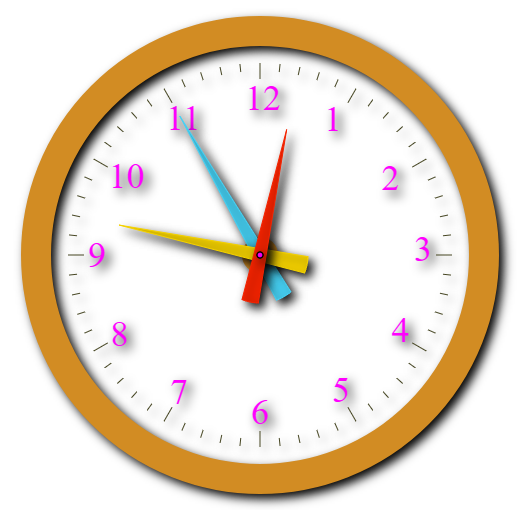
| Clock | Realtime clock displaying hour minutes and sec. |
| Timezone Clock | Realtime clock of different time zones of the world. |
| Array Timezone | JavaScript Array of names of different time zones of the world. |
| Time Left for New Year | Countdown shwoing days : Hour : minutes : Seconds left for New year. |