Marquee tag in HTML for scrolling text
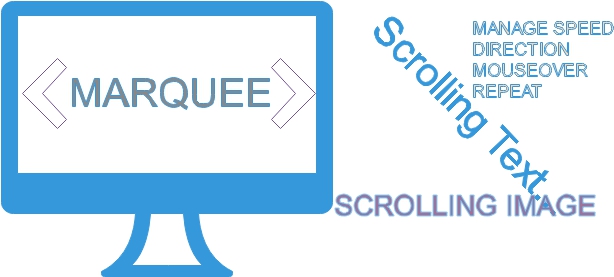
HTML provides a special feature which enables us to display scrolling and animated text in the Web page. This tag is supported by Internet Explorer , Firefox and Netscape 7 and above. Netscape has its blink tag which blinks text placed inside this tag, but Internet Explorer does not support blink tag.
HTML marquee tag to scroll or alternate text or image on web page with various speed and direction
We can use marquee tag to scroll text or image in different directions. The text placed inside the marquee tag will start scrolling horizontally across the screen or the web page.
Usually scrolling texts are used to give messages or display some special announcements to the visitors. Using this we can make some part of the text stand out than others. Over time as content became important the uses of animation reduced in last some years.
Simple Marquee:
Code for the above marquee
<marquee>This is an example of Marquee</marquee>If <marquee> background colour is not specified then it takes the background of the <body> tag.
Using Image with Marquee tag
We can scroll any image by using marquee tag. Here is the code.<marquee><img src=left.jpg></marquee>Marquee Properties:
Some of the important marquee attributes are Marquee Behavior, Marquee Direction, Marquee Repeat and Marquee SpeedMarquee Scroll Direction Mouseover Scroll control Marquee Scroll speed Number of times Marquee Scroll is Repeated Marquee Behavior: Scroll , Slide , alternate
This article is written by plus2net.com team.

| ghygygygs | 08-10-2013 |
| can u add something else | |
| Ajay | 11-01-2015 |
| I like to work in Html so please give me something new ideas to use in webpage.. | |
17-10-2020 | |
| Execellent | |
29-07-2022 | |
| hi, want to see how i can change the size letter | |
05-08-2022 | |
| You can just increase the font size or add one style property with higher font size | |