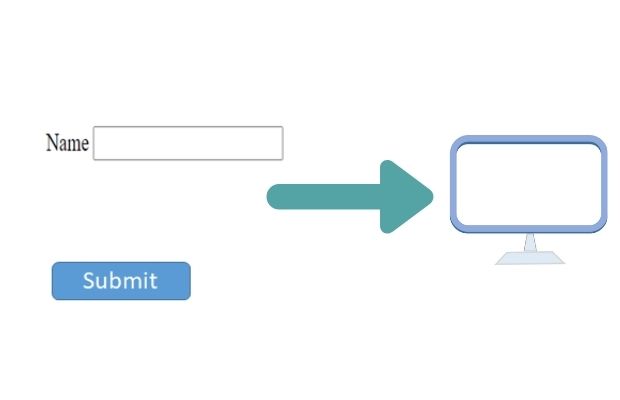
Submitting form to a new window
<input type='submit' value='Open default action file test5.php'
onclick="this.form.target='_blank';return true;">
Submitting form to new window and multiple submit buttons to post data to different target pages
This is done where graphs are to be generated on the fly based on the selection of options within a form by the visitor. For example, we are showing price trend for different months where visitor has to select month from a list. After selection of the month we can submit the form to a new window to show the graph of the price trend. Visitor can close the graph window and select another month to see the price trend. So in the main window the form remains constant (open ) and the value is taken to a new window.
Here is the demo to open a new window ( new tab ) with the form value.
Here is the code for the above form with the submit button.
<form name=f1 method=post action=test5.html>

<input type=text name=name value='plus2net'>

<input type='submit' value='Open default action file test5.php'

onclick="this.form.target='_blank';return true;">

</form>HTML Form
This article is written by plus2net.com team.

| Mohamed Osama | 25-11-2015 |
| Thanks it's works fine with me :) to open new tab after submit | |
| amlan roy | 22-08-2016 |
| Thank u soo much .. | |
29-03-2021 | |
| Finally, my problem was solved. | |
28-01-2023 | |
| You can also put `target="_blank"` in the form tag. <form action=.. target="_blank"> This doesn't use any javascript. | |