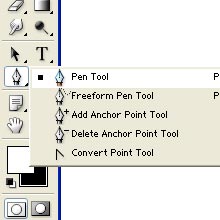
| This is the Pen Tool.Just go onto this tool and click on it to select
it. |
 |
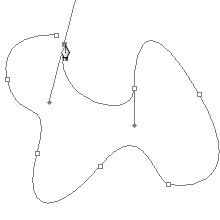
| Select the pen tool and position the pen pointer
where we want the straight segment to begin, and click to begin the first
anchor point.The anchor point remains selected until we define the next
point.In the same way we can select any particular area and also we can
draw any shape.We must close the path by joining the first anchor point
and the last anchor point. |
 |
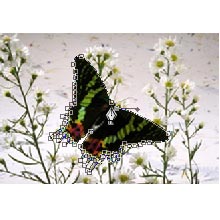
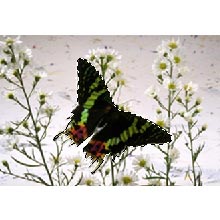
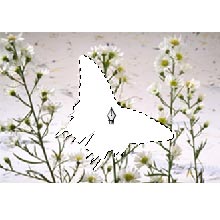
| For example,we are having this image.If we want
to delete that Butterfly. |
 |
| Here we can draw with pen tool from the edges and
join the two end points. |
 |
| After joining, right click > make selection.A
separate window appears in which we can give feather for the selection and
click OK. |
 |
| The area will be selected.Now we can delete this
area. |
 |
